Why the same application can move at different speeds depending on the submission channel
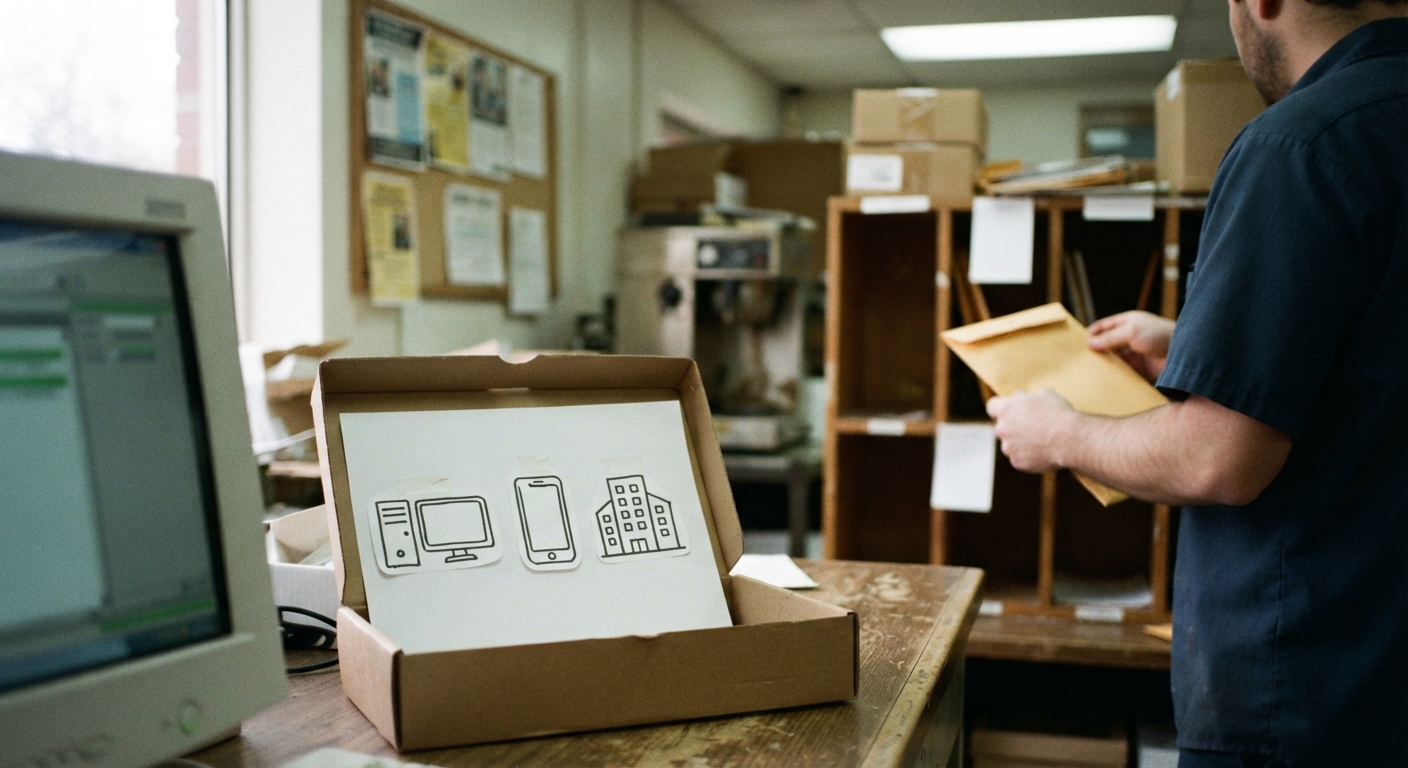
Most benefit programs let you apply online, by phone, or in person, and it is easy to assume the outcome is the same no matter which door you walk through. It is not. The application itself may ask identical questions, but the channel you choose changes who enters your information, how quickly it reaches a caseworker’s queue, and how much proof you have if something gets lost. A caseworker cannot verify what never arrived, and a supervisor cannot expedite a case that is stuck in a technical queue nobody flagged.
Agencies process submissions through different internal systems depending on how they came in. An online application usually lands directly in the case management system, which can speed up initial data entry but also means a technical error on your end – a failed upload, a session timeout – may not generate any alert to you or the agency. A phone application depends on a worker typing accurately while you talk, in real time, with no written record unless you make one yourself. An in-person application is manually reviewed on the spot, which is slower to arrange but gives you the clearest paper trail.
None of these channels is inherently better. The right choice depends on your household’s complexity, your access to reliable technology, how urgently you need a decision, and how comfortable you are keeping your own records. The sections below walk through the tradeoffs of each so you can choose deliberately instead of by default.
Online applications: fastest submission but the easiest way to lose track of what you uploaded
Online portals are usually the fastest way to get an application into the system. There is no wait for an appointment slot, no hold time, and you can often complete the form outside business hours. For straightforward cases – a single applicant, one source of income, no recent changes in household composition – this speed advantage is real and worth using.
The risk with online applications is documentation. Portals often ask you to upload supporting documents as separate steps, sometimes on different pages or after a delay while the system processes your initial submission. It is common for one document to upload successfully while another fails silently, especially on a mobile connection or an older browser. If the portal does not give you a clear confirmation number or itemized list of what was received, you may not find out anything is missing until a notice arrives weeks later saying your application was incomplete.
If you apply online, treat the confirmation screen as part of the application, not an afterthought. Before you close the browser tab:
Take a screenshot or save a PDF of the final confirmation page, including any application or case number. Note the date and time you submitted. If the portal lists which documents were successfully attached, save that list too. If it does not confirm what was received, assume nothing is confirmed and follow up by phone within a few days to verify the file is complete. Keep the login credentials you used, since some portals require you to return to the same account to check status or respond to requests for more information.
Online applications work best for people who are comfortable navigating web forms, have a stable internet connection, and are willing to build their own paper trail since the system may not build one for them automatically.
Phone applications: useful for complex households but hard to document without notes
Applying by phone puts a person on the other end of the line who can ask clarifying questions in real time. This matters most for households with income that does not fit neatly into a form field – irregular self-employment earnings, multiple part-time jobs, child support that varies month to month, or a household that recently changed size. A phone worker can walk through these situations with you and record them accurately, where an online form might force you into a category that does not quite describe your circumstances.
Phone applications also tend to move faster than scheduling an in-person appointment, since call centers often have more available slots than local offices have open interview times.
The drawback is documentation. Unless the call is recorded and you are told how to request that recording, there is no automatic record of what you said or what the worker entered. If a detail is mistyped or a source of income is left off, you may not know until you receive a decision that does not match what you reported. Phone lines can also disconnect mid-call, and if you are not given a reference number before that happens, reconnecting means starting over with a different worker who does not have your earlier answers.
If you apply by phone, protect yourself with your own record:
Ask for the worker’s name and any reference or confirmation number as early in the call as possible, not just at the end. Keep a written log, even a simple one, noting the date, the time, and a short list of what you reported – income sources, household members, and any documents you were told to send separately. If you are asked to mail or upload documents after the call, write down the deadline you were given and confirm where the documents should go. If the call drops, call back promptly and reference the number you were given so the new worker can pull up where you left off.
Phone applications suit people with complicated circumstances that benefit from a conversation, as long as they are willing to take their own notes during the call rather than relying on the agency to summarize things accurately afterward.
In-person applications: slower to schedule but gives you a receipt and a face for follow-up
Applying in person is usually the slowest channel to arrange. You may need to schedule an appointment in advance, travel to an office, and wait past your scheduled time once you arrive. For some households, this friction is a real cost, especially if it means missing work or arranging child care.
What in-person applications offer in exchange is the clearest documentation of any channel. A worker who accepts your paperwork in person can hand you a dated receipt for what you submitted, which is far harder to get through an online portal or phone call. If the office uses a sign-in or ticket system, that record also establishes the date you appeared, which can matter if a deadline is measured from your application date. And if a problem arises later, you have a specific office and, often, a specific worker’s name to reference when you call or visit again.
In-person visits are especially useful when your case involves documents that are hard to scan or transmit reliably – handwritten letters, unusual pay stubs, multi-page bank statements – or when you have already had trouble getting a straight answer through other channels and want a documented record that you showed up and handed something to someone.
If you apply in person:
Bring copies of everything, not just originals, so you can leave the copies with the office while keeping your originals. Ask for a written receipt or acknowledgment of what you submitted, and do not leave the office without it. If the office cannot give you a receipt, at minimum note the date, the office location, and the name of the worker you spoke with. Keep any appointment confirmation or sign-in slip, since it may serve as proof of the date you applied even before your paperwork is fully processed.
Situations that make one channel clearly better: limited internet access, complicated income, urgent need
In many cases the decision is close, but a few situations point clearly toward one channel over the others.
If you do not have reliable internet access, or only have access through a phone with a small screen and limited data, online applications can become more frustrating than helpful, particularly for document uploads. Phone or in-person applications avoid this problem entirely.
If your income situation is complicated – multiple jobs, self-employment, seasonal work, recent changes in household size, or income that is hard to describe in a simple monthly figure – a phone or in-person application gives you the chance to explain context that a web form’s dropdown menus and fixed fields cannot capture. Online forms are built for common, stable situations, and forcing a complicated income picture into a standardized field increases the risk that something gets recorded inaccurately.
If your need is urgent, weigh both speed and reliability together. Online submission is often fastest to get into the queue, but if you cannot confirm your documents actually attached, that speed is meaningless. In urgent situations, many people choose to submit online for speed and then follow up by phone within a day or two to confirm receipt, or to submit online and also bring a paper copy to a local office as a backup. This combination is not always necessary, but it is worth considering when a delay would create real hardship.
If you have applied before and had documents go missing, or received a notice claiming something was never submitted when you believe it was, in-person application for your next submission gives you the strongest record to point to if the same problem happens again.
A simple decision checklist to use before you pick a method
Before you start your application, it can help to answer a few questions honestly:
Do you have reliable internet access and comfort with web forms, or would a phone call or in-person visit be easier to manage accurately? Is your income or household situation simple enough to fit standard form fields, or does it need explanation that a person on the phone or in an office could capture better? How urgent is your need, and does that urgency favor speed of submission or reliability of documentation more? Have you had documentation problems with this agency before, and if so, would an in-person receipt reduce that risk going forward? Are you able to keep your own records – screenshots, notes, reference numbers – no matter which channel you choose, since no channel eliminates the need for you to document what you submitted?
There is no single correct answer for every household. What matters is choosing the channel that matches your situation and then building your own record of what you submitted and when, regardless of which door you use. That record is often what makes the difference if your case moves slowly, if a document goes missing, or if you need to show later exactly what you provided and when you provided it.