
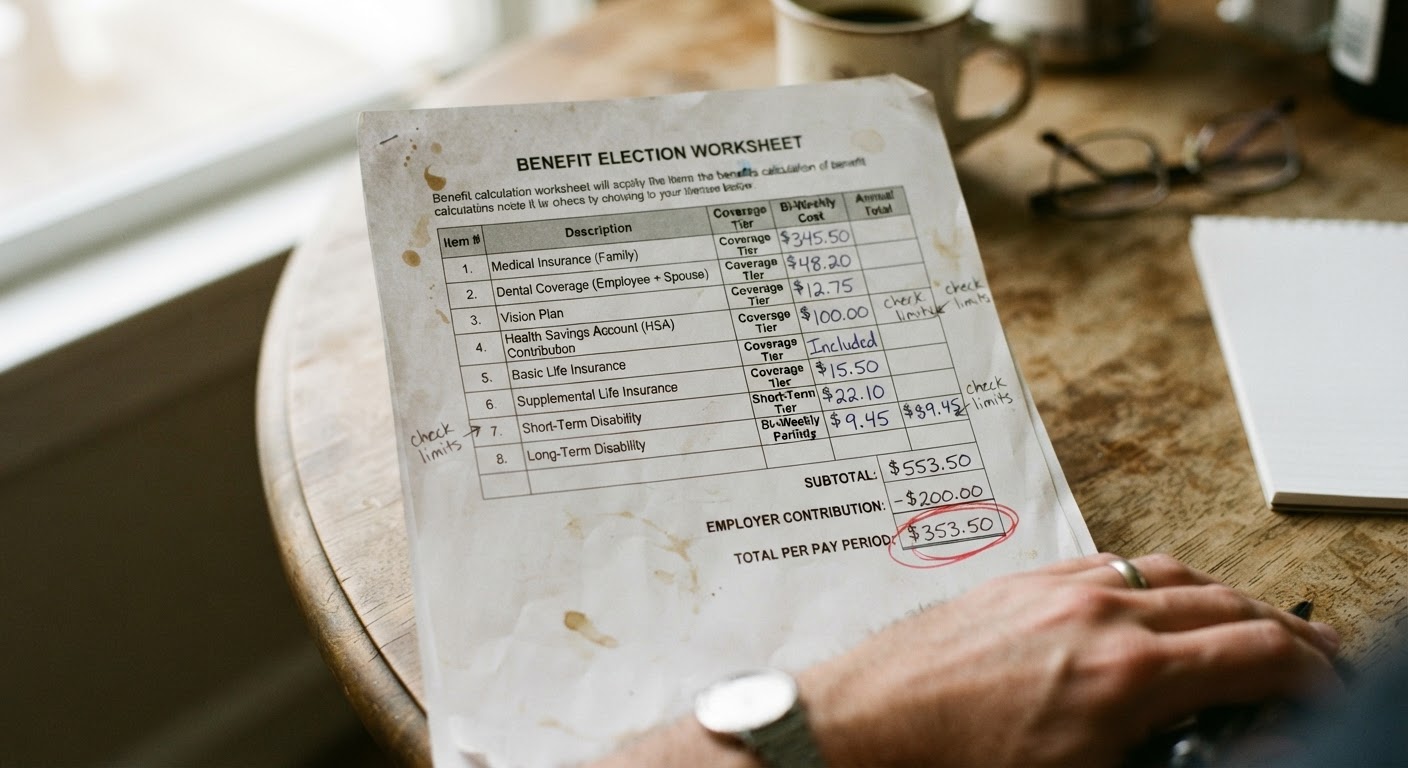
When a benefit notice arrives, most people read the first page, see the word “denied” or a dollar figure they weren’t expecting, and stop there. But attached to that first page is usually a second document, often labeled something like “Budget Worksheet,” “Eligibility Calculation,” or “Notice of Action Detail.” This is where the agency shows its math. If you’re trying to figure out whether a denial or a low benefit amount is correct, this worksheet is the place to look, not the summary page. Here’s how to work through it methodically.
Where the worksheet is usually located in a multi-page notice packet
Notice packets are rarely just one page. A typical packet includes a cover notice stating the decision, a page or two explaining your rights (including appeal deadlines), and then one or more calculation pages near the back. Agencies don’t always label these consistently, so look for pages with a grid or table format rather than paragraphs of text. These pages usually have column headers like “Type,” “Amount,” “Source,” or “Code,” and they’re where the actual arithmetic lives.
If your packet came by mail, check that all pages arrived. Worksheets are sometimes printed on their own sheet and can be separated or omitted in scanning or mailing. If you received your notice through an online portal, the worksheet may be a separate downloadable attachment rather than part of the main PDF. If you can’t find a worksheet at all, that’s worth noting, because you’re entitled to see how your benefit was calculated, and you can request it specifically by name when you call or visit the office.
Once you’ve located it, resist the urge to skim for the bottom-line number. Read from the top. Worksheets are built in a specific order, usually starting with gross income, moving through deductions, and ending with a net figure that gets compared against a program standard. An error early in that sequence carries through to every line below it, so the order matters.
Identifying the income, deduction, and standard allowance lines
Most worksheets fall into three broad categories of line items, even though the labels vary by program.
Income lines list what the agency counted as coming into the household: wages, self-employment income, Social Security, unemployment, child support, or other benefits. Each entry should show a source and a period (weekly, biweekly, monthly). If you see a single number with no source label, that’s a flag to investigate rather than assume.
Deduction lines subtract specific allowed expenses from that income. These commonly include a standard deduction that applies to everyone in the program, an earned income deduction (a percentage knocked off wages before they count), and sometimes itemized deductions for things like shelter costs, dependent care, or medical expenses for elderly or disabled household members. Not every program allows every deduction, so the presence or absence of a line here is itself informative.
Standard allowance or comparison lines show the threshold your net figure is being measured against, such as a household-size-based income limit or a payment standard. This is usually near the bottom of the worksheet, right before the final determination.
Go line by line and write down, in your own words, what each one claims about your situation. “Counts $X in wages from Employer A, biweekly.” “Applies standard deduction of $X for household size of 3.” Doing this translation step, even informally on a scrap of paper, makes it much easier to spot when a line doesn’t match your actual circumstances.
Matching worksheet figures against your own submitted documents
Once you have a simple list of every line, pull out the documents you originally submitted: pay stubs, award letters, self-employment logs, child support records, lease or rent receipts, whatever you sent in as verification. Go through the worksheet again and check each figure against the specific document it should correspond to.
A few things to check for at this stage:
Pay frequency conversion. If you’re paid weekly or biweekly, the worksheet has to convert that into a monthly figure. This conversion sometimes uses a multiplier that doesn’t match your actual pay calendar, especially in months with five weekly pay dates instead of four. Check whether the number of pay stubs the agency multiplied against matches what you actually submitted.
Gross versus net. Some worksheets are supposed to use gross income before taxes, others start there and then apply deductions themselves. Confirm the worksheet isn’t accidentally using a take-home number where a gross figure belongs, or vice versa.
Missing deductions. If you submitted a rent receipt, utility bill, or child care invoice, check that it actually shows up as a deduction line. Submitting a document doesn’t guarantee it was applied; sometimes it was received but not entered into the calculation.
Household size. Many errors trace back to a household size or composition figure that’s wrong at the very top of the worksheet, which then throws off every deduction and standard tied to household size below it.
Date ranges. Check whether the income period used matches the period the agency was supposed to be looking at. Older pay stubs sometimes get used past when they should have been replaced by more recent ones you submitted.
If a figure on the worksheet doesn’t match anything in your own paperwork, that mismatch is worth writing down with the specific line number or label, the worksheet figure, and the figure from your own document side by side. This side-by-side list is exactly what you’ll want on hand if you request a correction or file an appeal.
Common formatting differences between SNAP, Medicaid, and TANF worksheets
If you’re dealing with more than one program at once, it helps to know that these worksheets are not built the same way, even when they’re calculating benefits for the same household.
SNAP worksheets tend to be the most detailed about deductions, because SNAP allows a specific, fairly long list of them: a standard deduction, an earned income deduction, a dependent care deduction, a medical deduction for elderly or disabled members, and a shelter or excess shelter deduction that’s often calculated in its own sub-section near the bottom. Expect to see a net income figure compared against a program income limit, followed by a separate benefit-amount calculation that applies a percentage reduction based on that net income.
Medicaid worksheets vary more by state and by which Medicaid category applies (such as coverage tied to disability, to a pregnancy, or to a child), and they often reference a specific income limit tied to a percentage of a federal poverty guideline for the household size. Medicaid worksheets sometimes don’t itemize deductions the way SNAP does; some Medicaid categories use gross income with very few adjustments, while others use a more detailed adjusted income figure. Don’t assume a Medicaid worksheet with fewer lines is missing information; it may simply reflect that fewer deductions apply to that category.
TANF worksheets usually include the standard income and deduction lines but often add a “needs standard” or “payment standard” comparison specific to the state and household size, plus sometimes a separate calculation for any required work-activity-related deductions. TANF worksheets are also more likely to reference other benefits the household receives, since some of those count as income for TANF purposes even when they don’t count for SNAP or Medicaid.
Because the programs count income differently, don’t be alarmed if the same pay stub appears with a different dollar figure on your SNAP worksheet than on your Medicaid or TANF worksheet. That difference can be correct and expected. The point of comparing formats isn’t to make them match each other, but to understand why each one is built the way it is so you can judge each on its own terms.
What to do if a line item has no explanation code attached
Many worksheets include a code or footnote reference next to each line, something like a letter or short abbreviation that ties back to a legend explaining what that entry means. When a line has a number but no code, or a code that doesn’t appear anywhere in the legend, you have a legitimate gap in the documentation, not just a formatting quirk.
In that situation, the first step is to call the office and ask specifically what that line represents and what document or rule it’s based on. Ask them to point to the source, whether that’s a pay stub, a database match, or a rule in the program manual. Take notes on who you spoke with, when, and what they told you, since this record matters if the explanation given over the phone doesn’t match what shows up later in writing.
If the phone explanation doesn’t resolve it, or if you’re told the caseworker will “look into it” without a clear answer, follow up in writing and ask for a written explanation of that specific line. You’re entitled to understand the basis for a decision that affects your benefits, and an unexplained figure on a worksheet is a reasonable and specific thing to request clarification on.
If the deadline to appeal is approaching while you’re still waiting on that explanation, don’t let the request for clarification use up your appeal window. File the appeal to preserve your rights, and note in it that a specific line item lacked an explanation code and that you are disputing the calculation on that basis. You can always supplement an appeal with more detail once you get the missing explanation; you generally cannot get back a missed deadline.