Why some agencies use video interviews and how they differ from phone interviews
More benefits agencies have added video call options for eligibility interviews, particularly for programs like SNAP, Medicaid, and TANF. This shift happened partly because video lets caseworkers verify identity more easily than a phone call does, and partly because it allows document review in real time without requiring an in-person office visit. For the agency, it’s a middle option: faster to schedule than an in-person appointment, but more verifiable than a voice-only call.
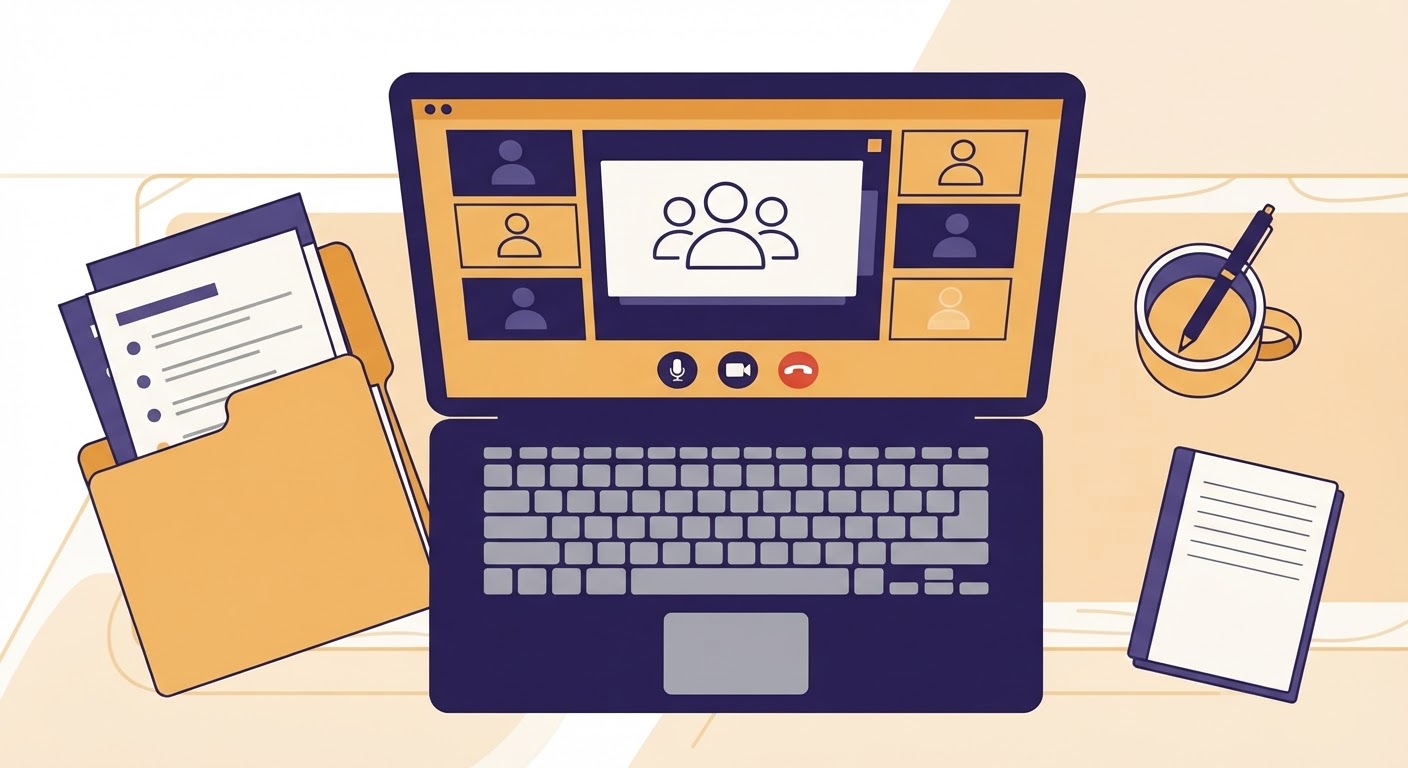
The structure of the interview itself usually mirrors a phone interview: the caseworker will ask about household composition, income, expenses, and any changes since your last application or recertification. What’s different is that the caseworker may ask you to display documents on camera, confirm your identity by holding up a photo ID next to your face, or share your screen if you’re applying through an online portal. Some agencies also use video specifically for interviews that involve a disability determination, where the caseworker may want to observe things they can’t assess over the phone.
It helps to know in advance which platform your agency uses. Some rely on standard video conferencing software that runs in a browser with no account needed. Others use a dedicated portal tied to your case file, which may require you to log in with a code sent by text or email. If your appointment notice doesn’t specify, call the number on the notice and ask directly what platform will be used, whether you need to download anything, and whether the link will be sent by email, text, or through your online case portal.
Technical setup to test beforehand: camera, microphone, lighting, and stable connection
A dropped connection or unreadable video feed can slow down your interview or force it to be rescheduled, so it’s worth testing your setup the day before rather than the morning of. If you’re using a smartphone or tablet, prop it against something stable rather than holding it, since a shaky picture makes it hard for the caseworker to read documents you hold up. If you’re using a laptop or desktop, position the camera at eye level if possible.
Check your microphone by recording a short voice memo or joining a test call with a friend. If your device has a built-in mic that picks up a lot of background noise, consider using headphones with a microphone, which usually improves clarity. Find a room where you can close a door, and let other household members know you’ll need quiet for the length of the appointment.
Lighting matters more than people expect. Face a window or a lamp rather than sitting with your back to it, since backlighting can make your face too dark for the camera to show clearly, which matters if the caseworker needs to confirm your identity against a photo ID. A simple test is to look at your own video preview before the call and adjust position until your face is evenly lit.
For your internet connection, a wired connection is more stable than Wi-Fi, and Wi-Fi is more stable than using a phone’s cellular data alone, though many people will only have the cellular option and that’s fine as long as signal strength is reasonable. If you know your connection is unreliable, consider whether you can borrow a more stable setup, such as a library computer or a relative’s home internet, for the appointment window. Many public libraries have private or semi-private rooms that can be reserved for calls, which also solves the noise and privacy problem at once.
Finally, make sure your device is charged or plugged in, and close other applications that might slow your connection or cause notifications to interrupt the call. If the platform requires you to download software or create an account, do this a day ahead rather than in the minutes before your appointment, since installation problems are a common cause of missed interviews.
How to have documents ready to hold up to the camera or share digitally
Video interviews often involve some combination of holding paper documents up to the camera and uploading or emailing digital copies. It’s worth preparing for both, since you may not know which the caseworker will ask for until the call is underway.
Gather your documents ahead of time and organize them in the order the interview is likely to follow: identity documents first, then income verification, then household expenses such as rent or utility statements, then any documents specific to your case, such as medical bills or child support records. Keep them in a labeled folder or stack so you’re not searching during the call.
If you’ll be holding documents up to the camera, practice this beforehand. Hold a piece of paper with regular-sized text at the distance you’d use during the interview and check whether it’s readable on your own screen preview. Move slowly and hold the document flat and steady; a common problem is glare from overhead lighting bouncing off glossy paper, so angle the document slightly if that happens. If a document has multiple pages, have them separated and ready rather than fumbling to flip through a stapled packet on camera.
If the agency allows digital submission instead, ask before the interview whether you can email or upload documents through an online portal in advance, and get a confirmation that they were received. This is often more reliable than trying to display paper on camera, especially for documents with small print like pay stubs or bank statements. If you’re given the option, sending documents ahead and simply confirming them during the call verbally is usually the smoother path.
Whatever method you use, keep your own copies of everything you show or send, along with a note of the date you provided them. If a question comes up later about whether a document was submitted, having your own record of when and how you sent it will support your case.
What to do if the video call drops or the platform fails during the interview
Technical failures during a scheduled interview are common enough that most agencies have a procedure for them, even if it’s not advertised. The first thing to do if the call drops is to try rejoining immediately using the same link, since many platforms will let you back into an active session. Give it a minute or two before assuming the interview has ended entirely.
If rejoining doesn’t work, call the caseworker’s direct line or the general appointment line right away, not after the appointment window has closed. Explain what happened and ask whether the interview can continue by phone instead, since many caseworkers are able to simply switch modes mid-appointment rather than rescheduling. Keep a note of the time the call dropped and the time you called back, in case you need to show later that you made a timely effort to reconnect.
If you can’t reach anyone by phone, send a written message through whatever channel is available to you, such as email or an online case portal, describing what happened and asking for next steps. Do this the same day if at all possible. A written record showing you attempted to complete the interview and reported the technical problem promptly can matter if the agency later claims you missed your appointment.
If the whole interview has to be rescheduled because of a platform failure that wasn’t your fault, ask the caseworker to note in your file that the failure was technical and not a missed appointment, and ask for a new appointment date in writing. Missed interviews can sometimes lead to a denial for failure to cooperate, so it matters that the record reflects what actually happened rather than leaving it ambiguous.
How to request a phone or in-person alternative if video access is a barrier
Video interviews assume you have a reasonably stable device, internet connection, and private space, and not everyone does. If any of these is a genuine barrier for you, you can ask for a different interview format, and agencies generally have to accommodate this rather than requiring video as the only option.
Call the number on your appointment notice as soon as you know video won’t work for you, rather than waiting until the appointment time. Explain plainly what the barrier is: no reliable internet, no device with a camera, no private space to speak from, or a disability that makes video communication difficult. You don’t need to over-explain or justify the reason at length; a short, factual statement is enough for the caseworker to reschedule you into a phone or in-person slot.
Ask for the change to be confirmed in writing, whether by email, mail, or a note in your online case file, so there’s a record that you requested an alternative format and it was granted. If the agency does not offer to reschedule and insists on video only, ask to speak with a supervisor and state that you’re requesting a reasonable accommodation or alternative format due to access limitations. Keep track of who you spoke with and when.
If your interview date is close and you’re still waiting to hear back about a format change, don’t let the appointment simply pass. Follow up again by phone or in writing to confirm the new arrangement before the original appointment time arrives, since a missed interview with no record of a rescheduling request can be treated as a failure to cooperate, which can lead to a denial or delay. Keeping your own written trail of every request and confirmation is the most reliable way to protect your case while the format gets sorted out.